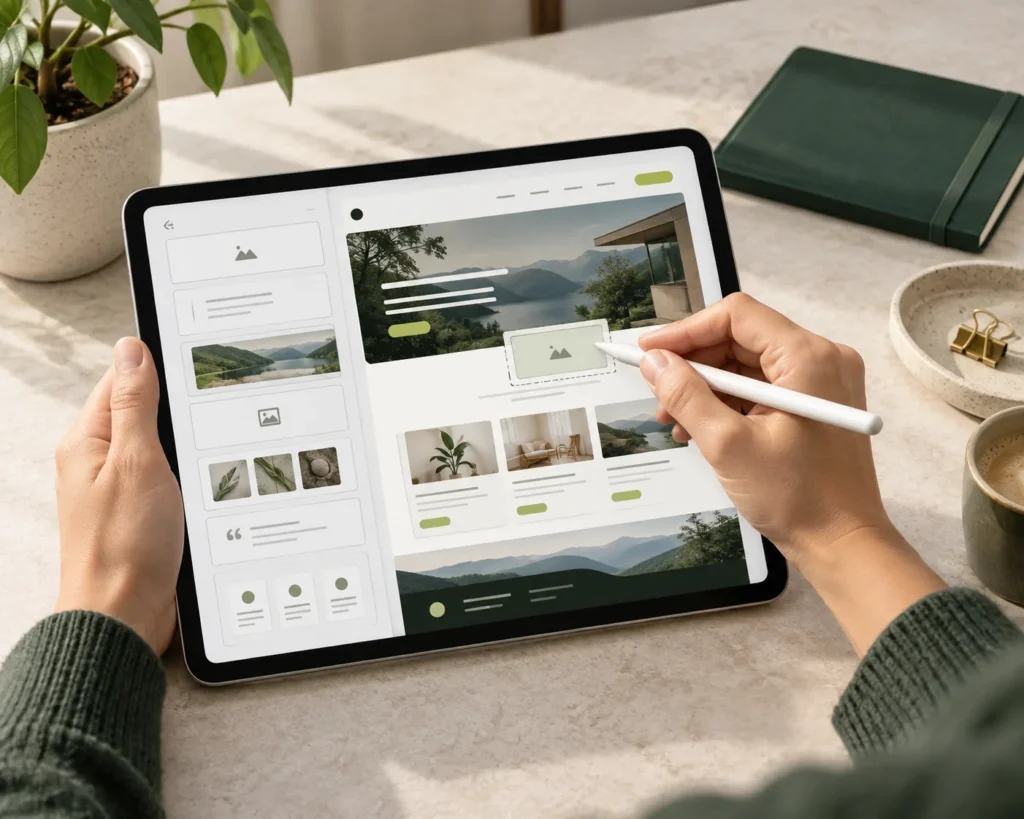
The platform is considered around the type of content, people managing it and functionality the website actually needs.
Build a website your team can manage without relying on a developer for every content change.
[Brand Name] provides CMS and no-code development for businesses in Zurich, Geneva, Lausanne and across Switzerland. We help businesses choose a suitable platform, structure their content and create a website that is practical to manage after launch.
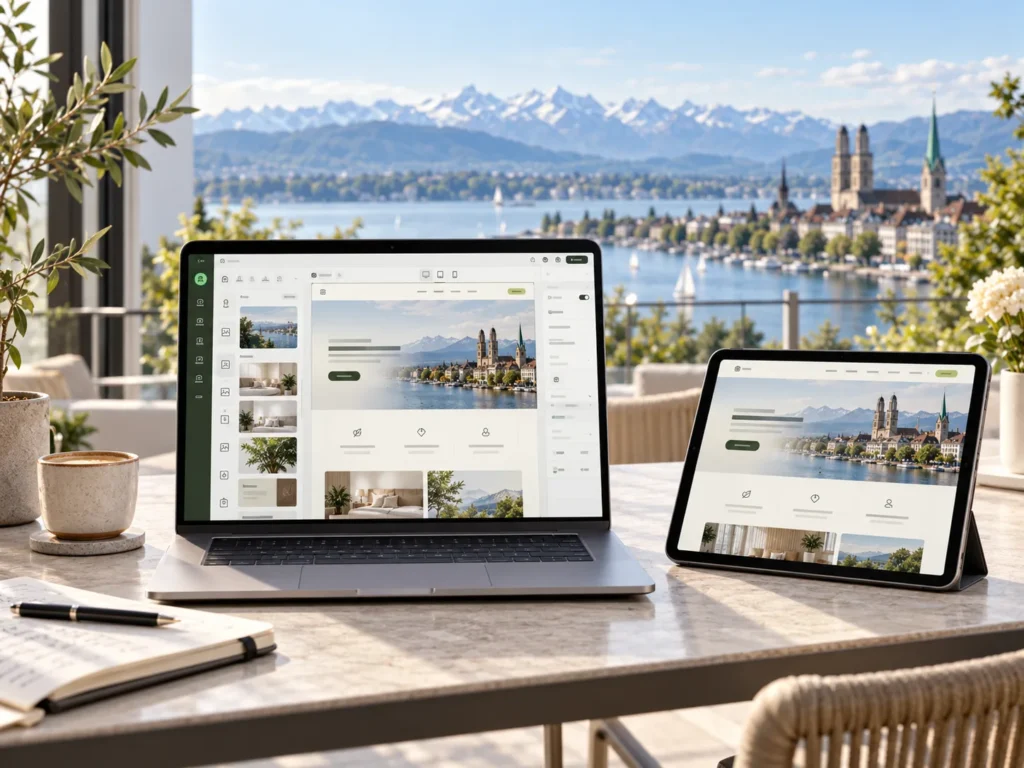
A website can look finished while the system behind it becomes difficult to work with.
Simple changes, such as adding a new service, publishing a case study or updating a team profile, may require developer support. New pages may not follow the existing structure. Different editors may use different layouts. Over time, the CMS can become harder to manage as the website grows.
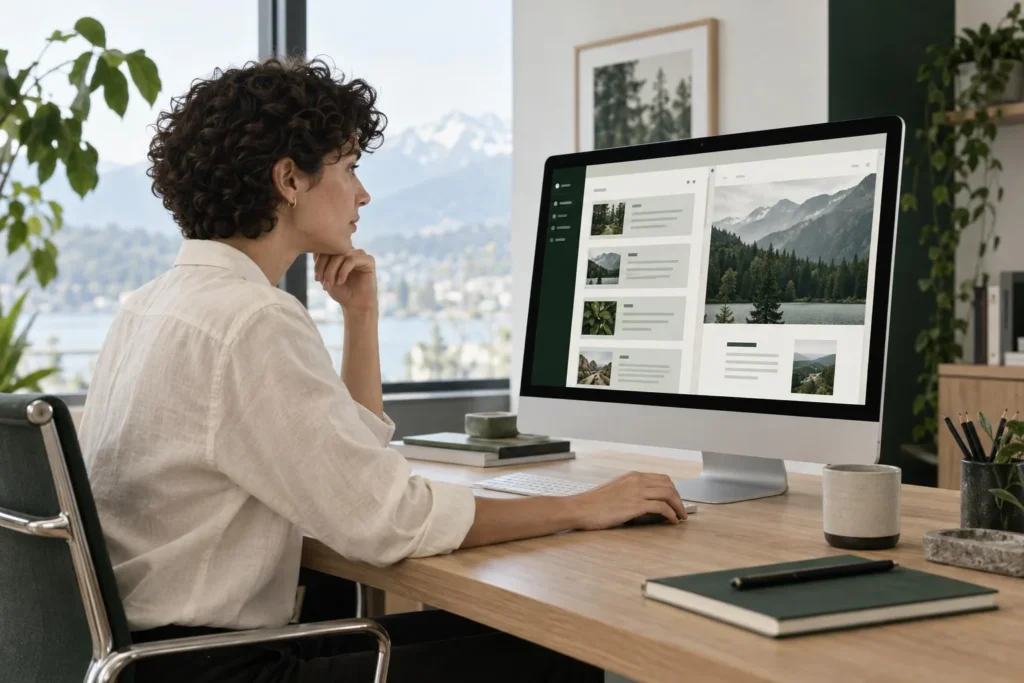
CMS development is not simply about installing a platform. The content structure, editing experience, reusable components and publishing workflow all need to make sense for the people managing the website.
The aim is straightforward: give your team the control it needs while keeping the website structure consistent.
The way a business manages content should influence how its CMS is developed.
A service based company may need structured service pages and case studies. A business with frequent publishing may need a more organised article library. A larger website may have several editors working across services, locations, teams or other content categories.
We can structure the CMS around requirements such as:
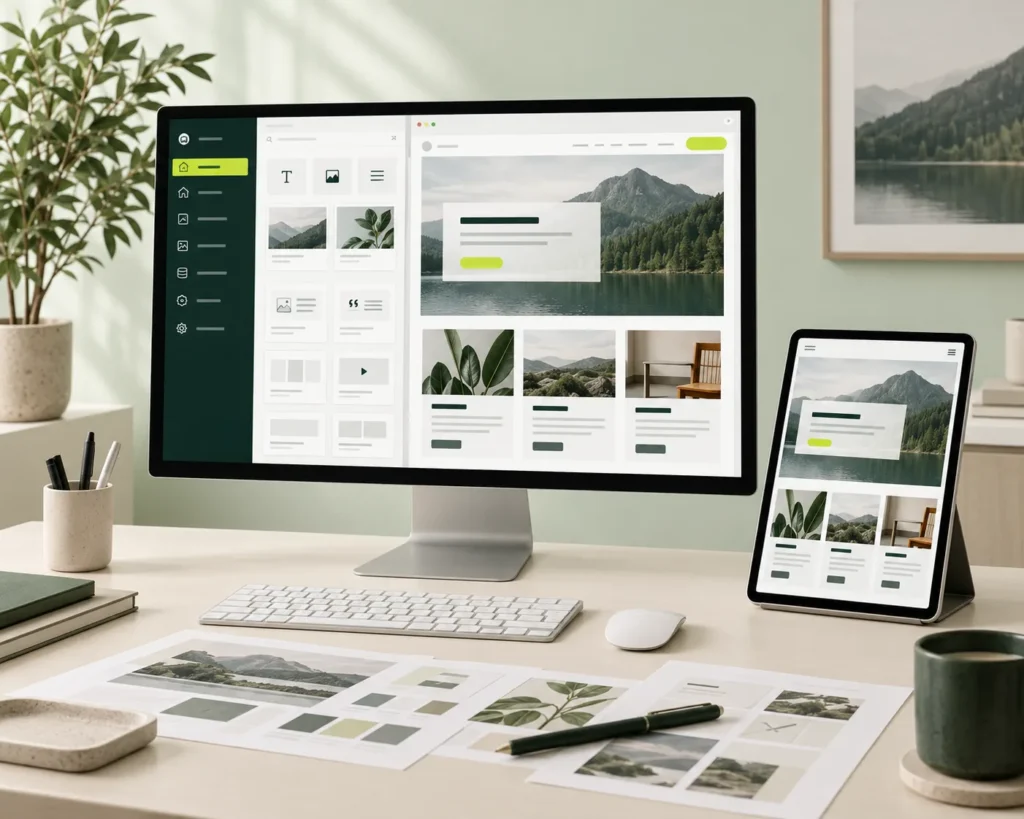
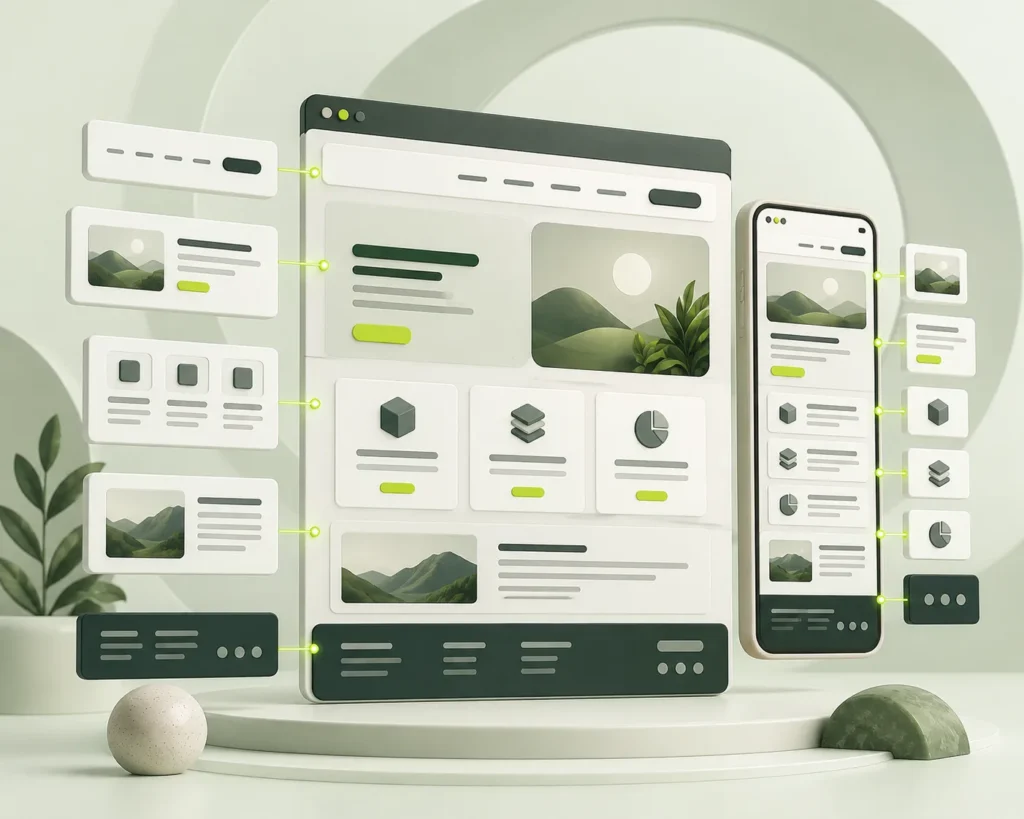
WordPress remains a practical choice for many businesses because it provides a familiar content management environment while allowing the website to be developed around specific requirements.
Our WordPress development approach can cover website structures, custom components, responsive implementation, content organisation and the editing experience required by the project.
For businesses looking for web development with WordPress, the important question is not simply whether WordPress can run the website. It is whether the WordPress setup is organised in a way that your team can actually use.
For example, if adding a new service page means duplicating an old layout or asking a developer to rebuild sections, the problem may be the structure of the existing WordPress setup rather than WordPress itself.
If you already have a WordPress website, we can first understand how it is structured and where the current setup is causing problems before recommending changes.
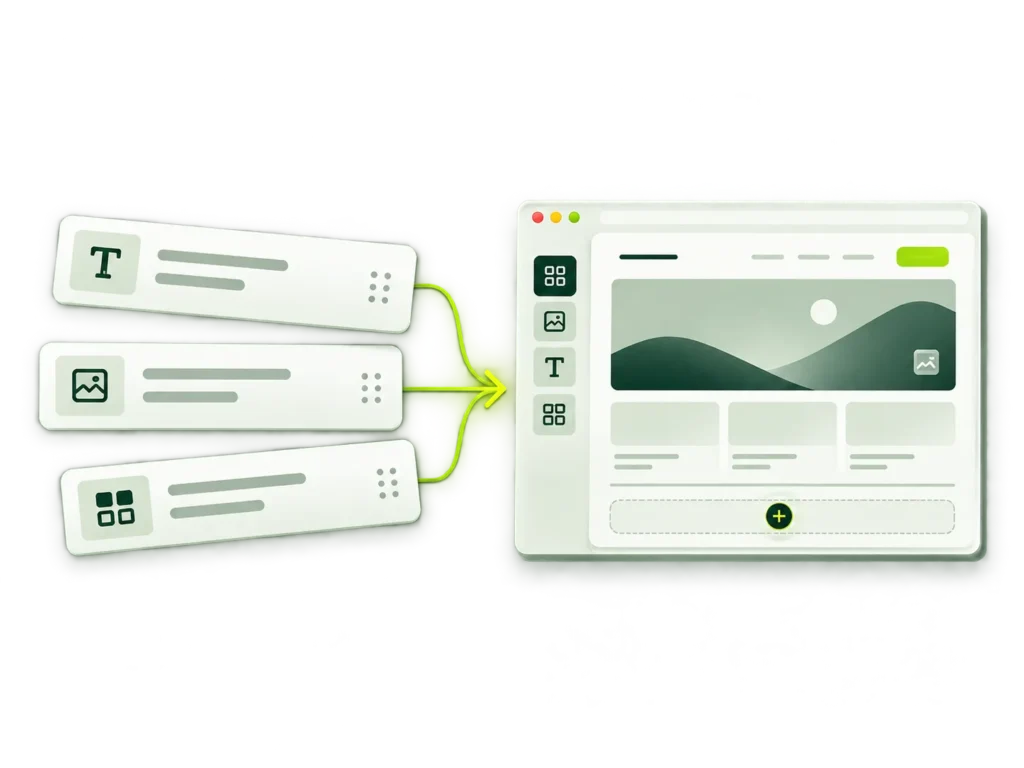
No-code development can be useful when a business wants more control over routine website management without making every small change a development task.
It can be particularly useful for teams that need to:
But no-code is not automatically the right answer for every website.
No-code can work well when the main requirement is content and marketing flexibility. When a website requires specialised functionality, complex business rules or technical capabilities beyond the platform, custom development may be more appropriate.
The platform still needs to match the content structure, functionality, editing requirements and future plans of the business.
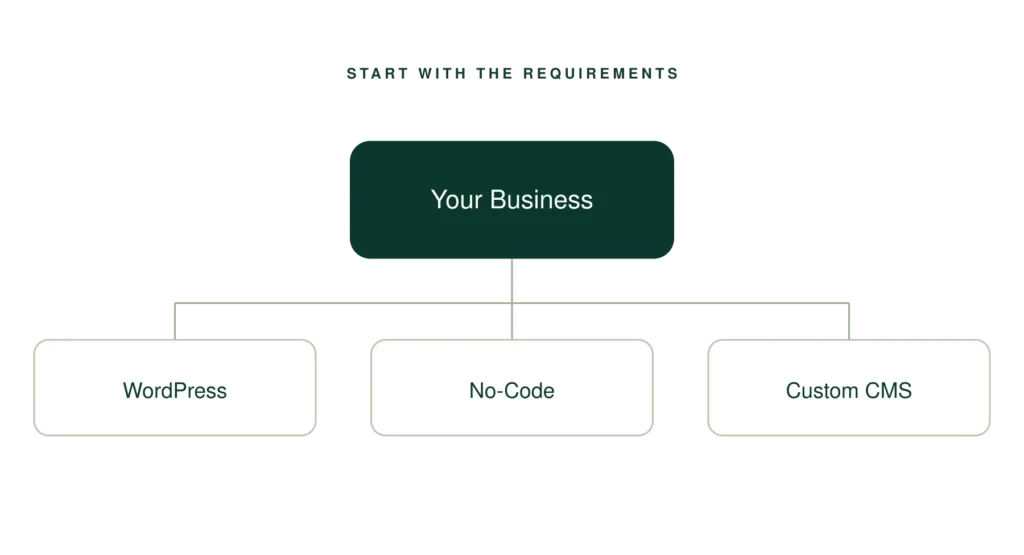
WordPress may be the right choice for one business, while another project may require a different CMS or a no-code approach.
There is no single CMS that is right for every website.
The choice should reflect the amount of content, number of editors, publishing frequency, required flexibility, integrations and how much control the team needs over the website.
How much content will the website contain?
How frequently will it be updated?
How many people will manage the content?
What types of content need to be structured?
How much flexibility do editors need?
Are any integrations required?
Does the business already have a CMS?
Choose the platform around the content your team needs to manage, rather than forcing the business into a CMS that creates unnecessary restrictions.
A standard CMS setup may not always provide the structure a particular business requires.
Custom CMS development can make sense when the website has more specialised content or publishing requirements, such as:
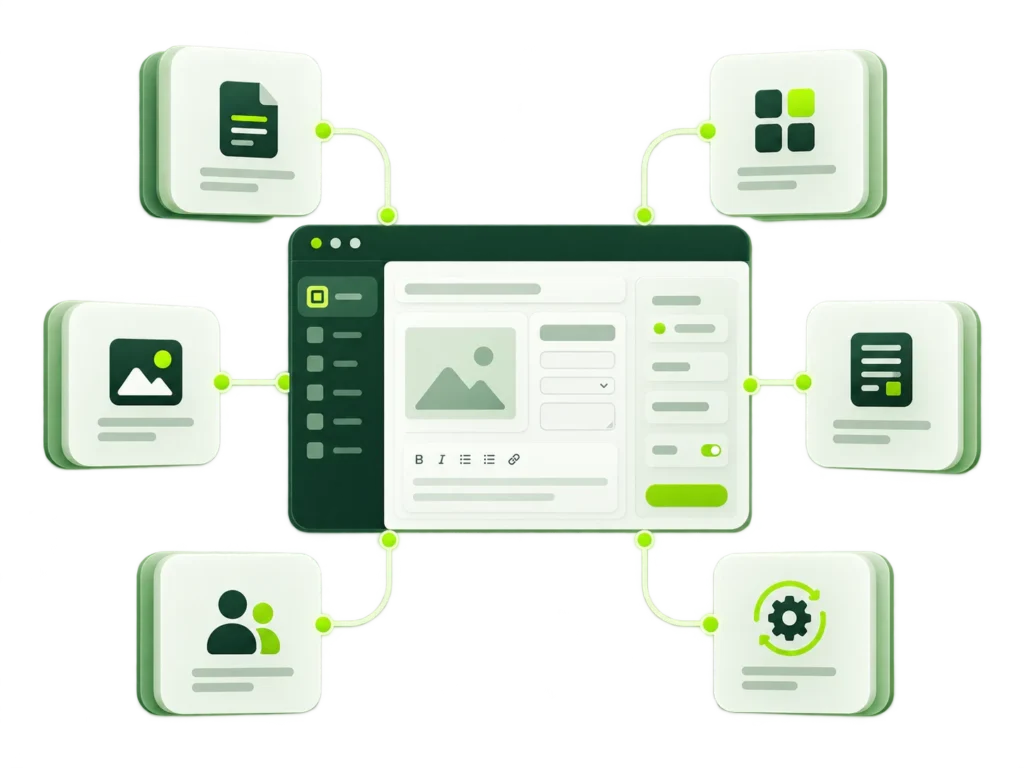
Customisation should have a clear purpose.
If a standard configuration can solve the requirement effectively, there is no reason to introduce unnecessary complexity. Where the business has a genuine requirement that needs a different approach, the CMS can be structured around it.
You may already have a website that is working technically but becoming difficult to manage.
Common signs include:
You may also be wondering whether changing the CMS means rebuilding the entire website or losing the design your business already uses.
The first step should be understanding the existing website rather than immediately replacing it.
We can look at how the content is structured, how editors currently work with the CMS and where the existing setup creates unnecessary friction. The existing design, content and functionality can then be considered before deciding whether the right solution is improvement, restructuring or a different CMS.
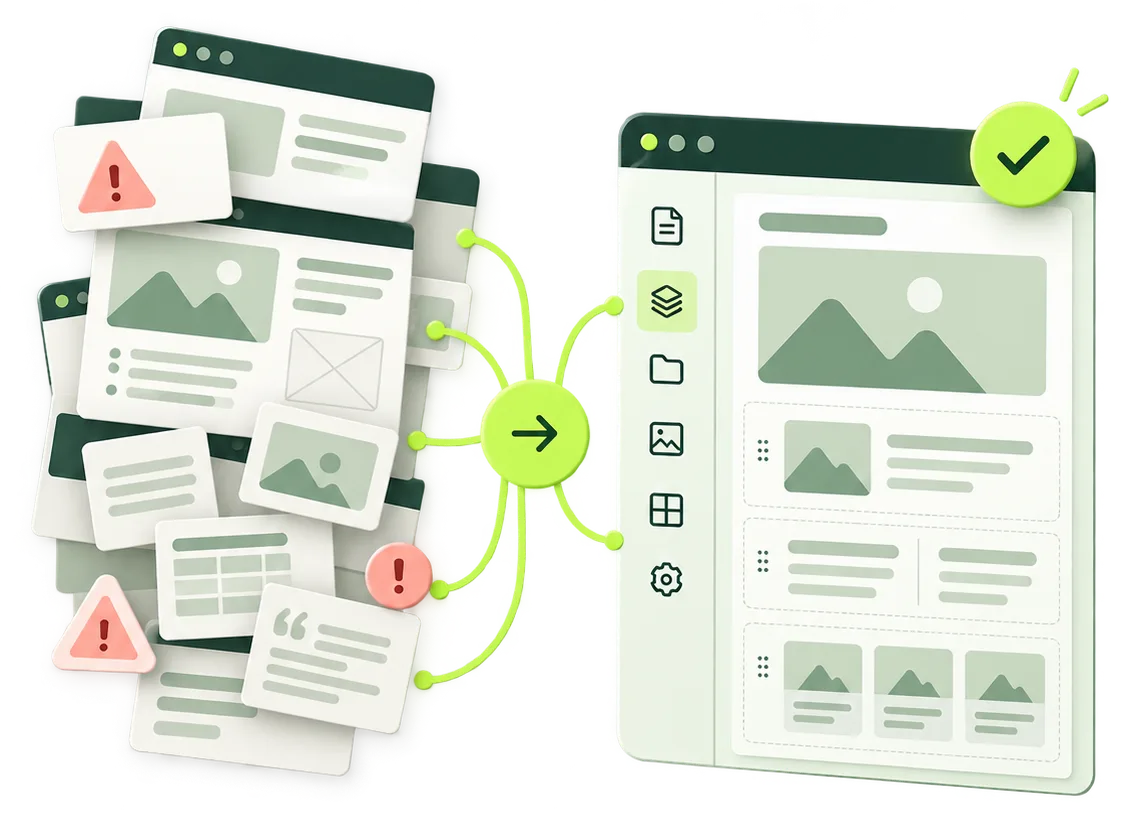
Different teams publish differently.
Your CMS should reflect how yours works.
What does your team publish most often? Who prepares, reviews and updates it? These everyday tasks help define the content types, reusable sections and editor access your CMS needs.
A growing content library and a campaign-led website may need different structures. Start with the work your team actually does.
If your website is regularly adding services, articles, case studies, products or other recurring content, the CMS needs to make that content easy to organise and update.
When several people manage a website, clear structures and appropriate editing permissions can help keep content consistent.
Marketing teams may need to update landing pages, campaigns and website content without sending every routine change to development.
Businesses with multiple services, locations, teams or content categories can benefit from a CMS that reflects how their information is organised.
If the current website has accumulated inconsistent layouts, outdated structures or too many manual workarounds, reviewing the CMS may be more useful than simply adding another layer of functionality.
A well structured CMS should give your team enough flexibility to manage everyday website content while keeping the underlying structure controlled.
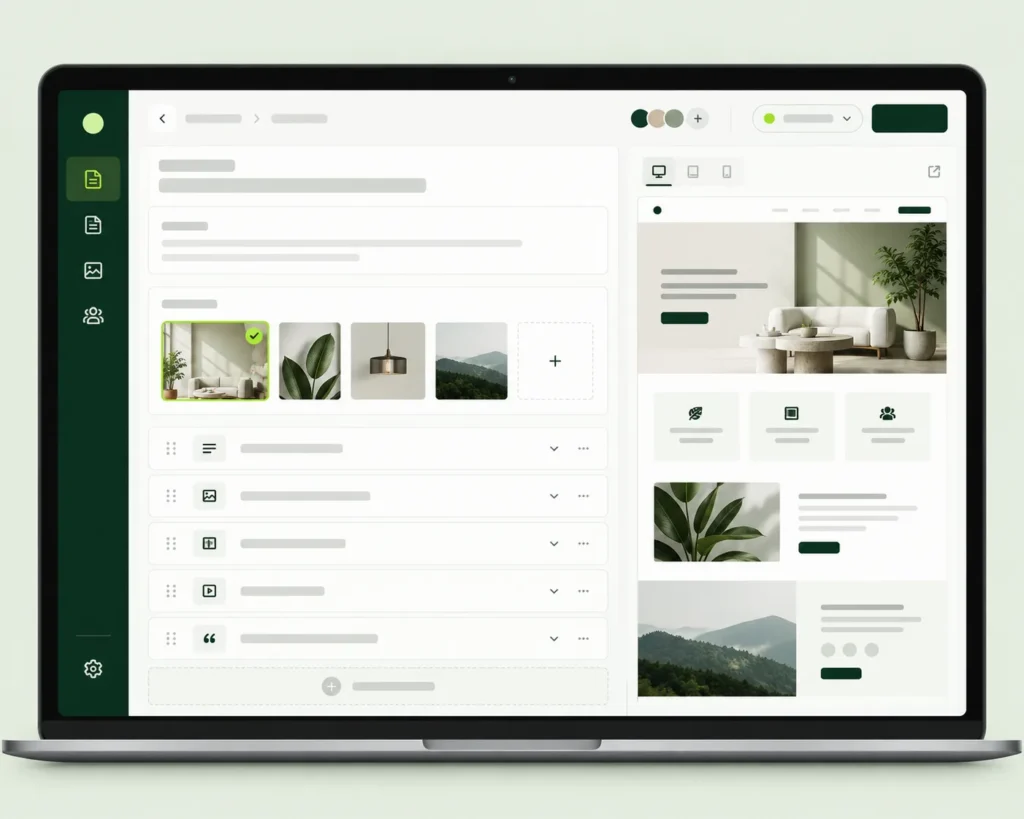
For a marketing team, this could mean creating a new campaign page without asking a developer to rebuild the layout. For a content team, it could mean publishing a new article or case study using an existing structure.
It is to give them the right level of control for the work they actually need to do.
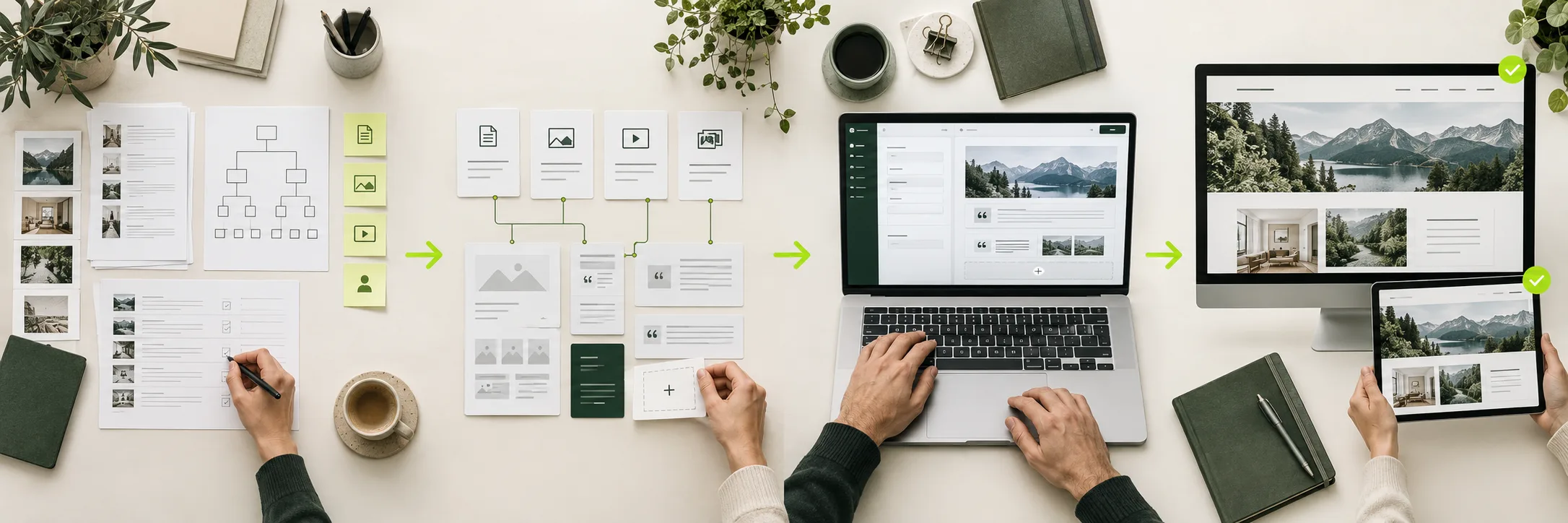
We first look at what the business publishes, who manages it, how often it changes and what makes the current setup difficult to work with.
The CMS or no-code approach is considered against the content structure, editing requirements, flexibility and technical needs of the project.
The required content types, page structures, reusable components and editing experience are developed around the agreed requirements.
The editing workflow is reviewed to ensure the team can work with the website without unnecessarily complicated processes.
This keeps the focus on how the CMS will be used after development, not just how it is built.
The way a business manages content should influence how its CMS is developed.

The platform is considered around the type of content, people managing it and functionality the website actually needs.
Page types, recurring content and reusable structures are considered before the CMS becomes difficult to maintain.
The editing experience needs to support the website’s visual structure, rather than creating a CMS that works separately from the design.
A website will continue to change after launch. The CMS should make those changes practical without creating unnecessary work for the team.
Future case studies can show:
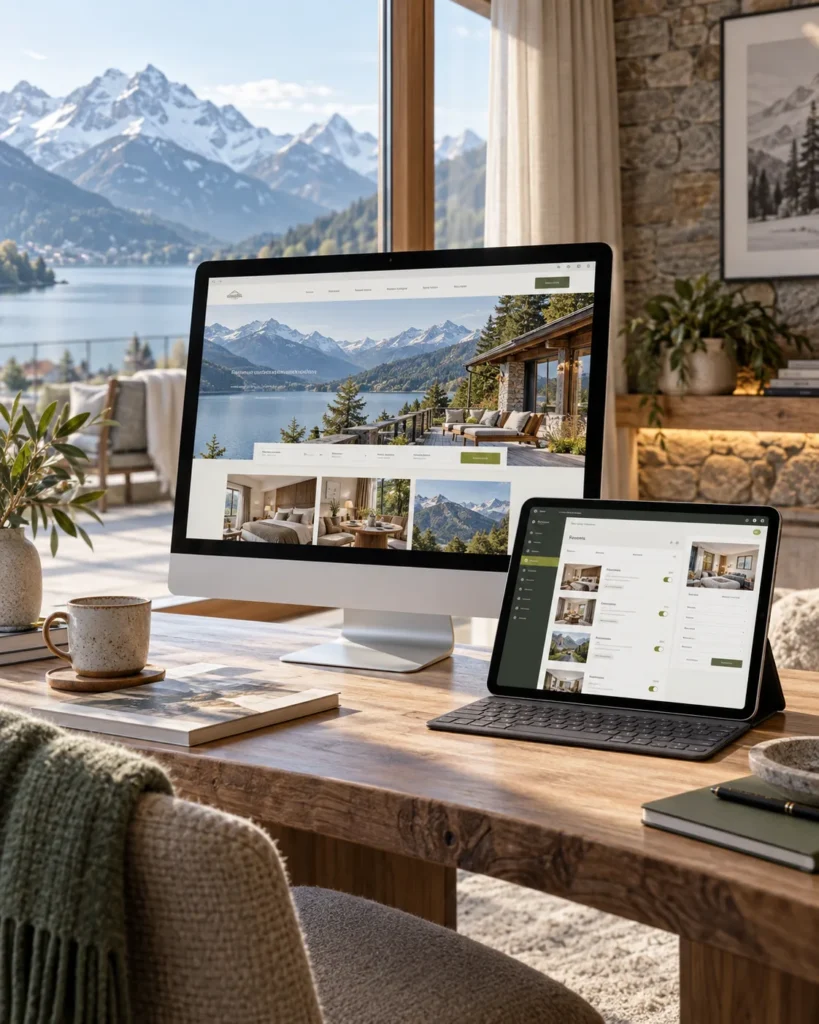
A flexible content managed website concept for a Swiss hospitality business.
Fictional hospitality business.
Property information, seasonal offers and local guides were stored across inconsistent pages.
An organised system for managing accommodation, offers, experiences and reusable page sections.
A structured WordPress setup with reusable content blocks, custom post types and responsive templates.
A manageable hospitality website concept with consistent content and simplified updates.
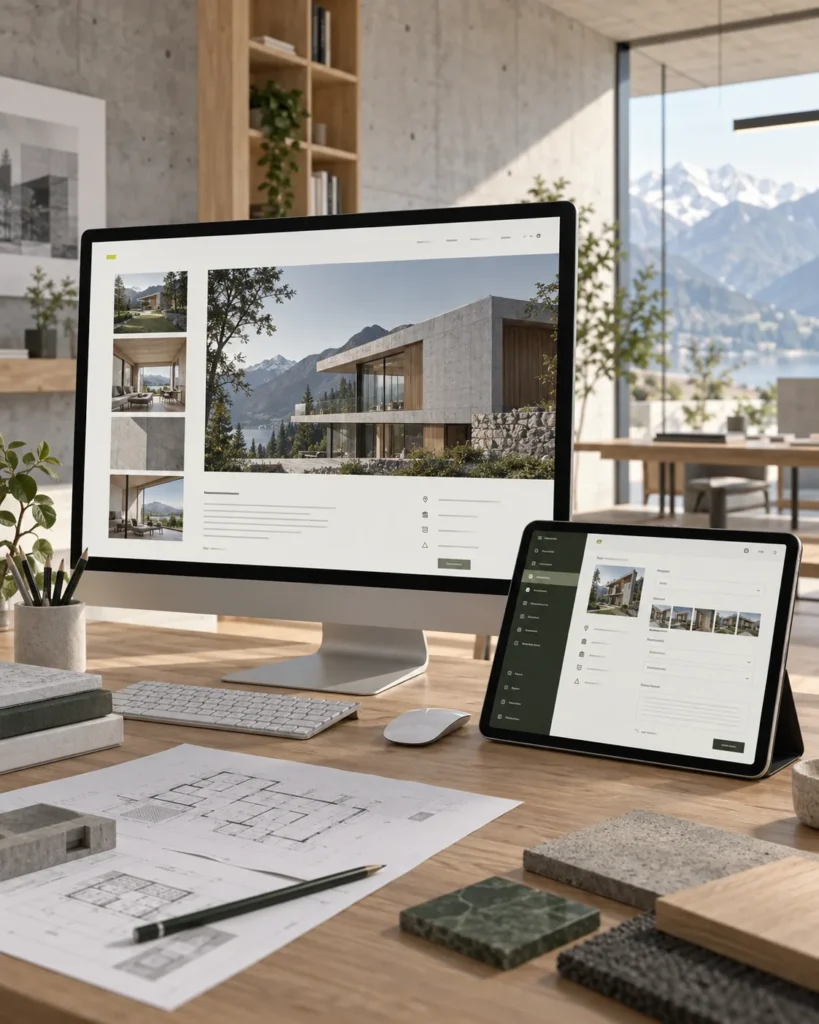
A structured portfolio website concept for an architecture and design studio.
Fictional architecture studio.
Project information and imagery were difficult to organise across different page layouts.
Reusable project templates with structured fields for services, locations, images and project details.
A custom CMS structure with flexible project types, media management and controlled page components.
A consistent portfolio system that allows the team to publish projects without rebuilding layouts.
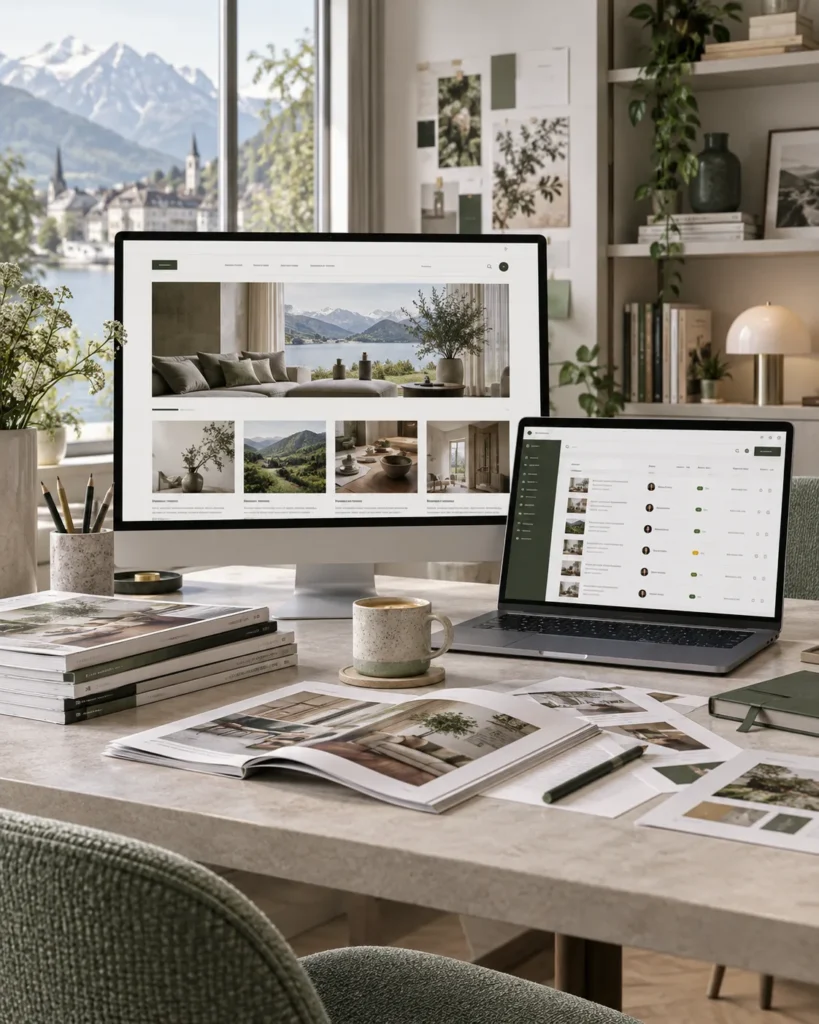
A scalable editorial website concept for a lifestyle and interiors publication.
Fictional digital publication.
Articles, contributors and categories had become difficult to organise as content increased.
A scalable publishing system for articles, authors, topics, featured content and related stories.
Structured content types, reusable editorial layouts, role-based access and an organised publishing workflow.
A clear editorial CMS concept designed to support regular publishing and future content growth.
There is no single CMS that suits every business. The right option depends on your content, number of editors, website structure, required flexibility, integrations and future requirements.
Existing WordPress websites can be reviewed to identify where the current structure, editing experience or functionality needs improvement. The appropriate approach depends on the existing setup.
Yes. The choice should be based on the content, editing requirements, flexibility, technical needs and future plans of the website rather than simply choosing the most popular platform.
Custom CMS development can be considered when a standard setup does not adequately support the required content structures, workflows or business rules.
Your customers regularly need access to services, information, transactions or account functions that could benefit from a dedicated mobile application.
Not necessarily. The existing design, content, functionality and technical setup should be reviewed first. The appropriate approach may be to improve the current CMS, restructure it or move to another platform.
Existing content should be reviewed and mapped against the proposed structure before any restructuring or migration takes place. The exact approach depends on the current CMS and the amount and type of content involved.
It can if the platform is chosen without considering future requirements. The no-code approach should be evaluated against the expected content, functionality, integrations and growth of the website before implementation.
WordPress can be a suitable option for many business websites, particularly where content needs to be managed regularly. Its suitability depends on the structure and functionality your website requires.
A CMS can be structured to allow your team to manage the content they are responsible for, such as text, images, recurring content and defined page structures.
An existing CMS can be assessed before deciding whether it needs improvement, restructuring or replacement. The current website and content setup should be understood first.
Not necessarily. A headless CMS is more relevant to certain projects where content needs to be managed separately from how it is delivered. Whether it is appropriate depends on the website and its wider technical requirements.
This depends on the selected platform and the required setup. Where multiple people manage content, the editing structure and access requirements should be considered during development.
That depends on the existing design and CMS structure. A CMS change does not automatically mean the visual design has to be replaced, but the design and technical setup need to be assessed together.
A CMS or no-code setup can be structured to give marketing teams appropriate control over defined page structures and landing pages, depending on the selected platform and project requirements.
If your current CMS is difficult to work with, or you are starting a new website and want the right content management setup from the beginning, share the details of your project with us.
You can send your current website, existing CMS, content requirements, problems with the current setup or your preferred platform.
We can review what you need to manage and determine the most suitable approach for the website.