Web applications that allow customers to log in, access relevant information, submit requests or manage their account.

When a standard website is not enough, a web application can provide the functionality your business actually needs. SwissLayer develops custom web applications and web-based software for businesses in Zurich, Geneva, Lausanne and across Switzerland.
We build applications around business workflows, user roles, data, integrations and specific operational requirements.
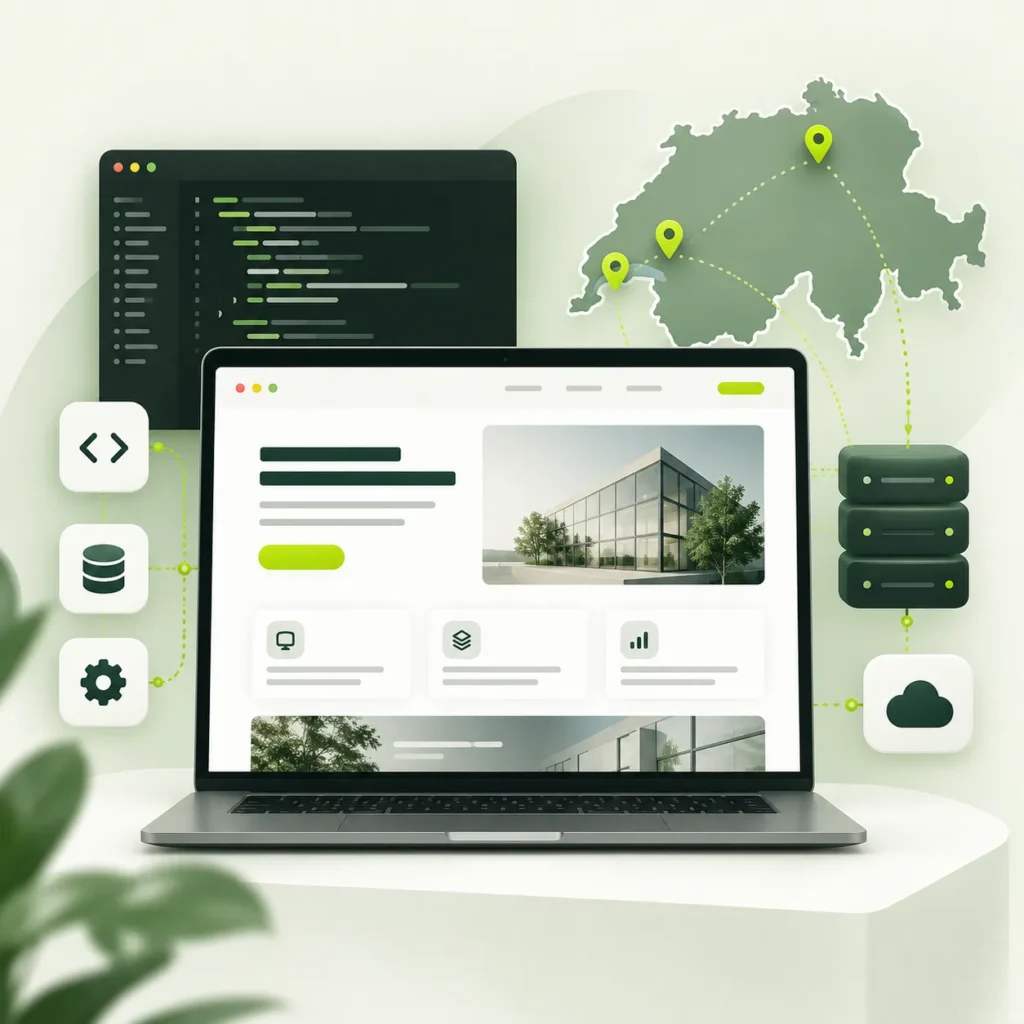
A standard website primarily presents information. A web application allows users to interact with functionality, data and business processes.

For example, a website might explain your services and provide a contact form. A web application could allow customers to log in, manage their information and submit requests through a defined workflow.
This could include customer portals, booking systems, internal tools, marketplaces, management systems or other custom platforms.
Not every business needs a custom application. If an existing SaaS product, CMS or no-code platform already handles the required functionality, custom development may not be necessary.
Web applications that allow customers to log in, access relevant information, submit requests or manage their account.
Web-based systems designed around internal processes, recurring tasks, information management and operational workflows.
Applications supporting bookings, availability, requests and related processes where required.
Platforms that connect different groups of users, providers, customers or listings through defined workflows.
Applications built around specific business requirements that cannot be reasonably handled through a standard website or platform.
Web-based software designed around a company’s internal requirements, workflows and data.
The functionality depends on the application. Features are defined according to the actual requirements rather than added simply because they are available.
Custom development can make sense when standard software does not fit the way your business operates.
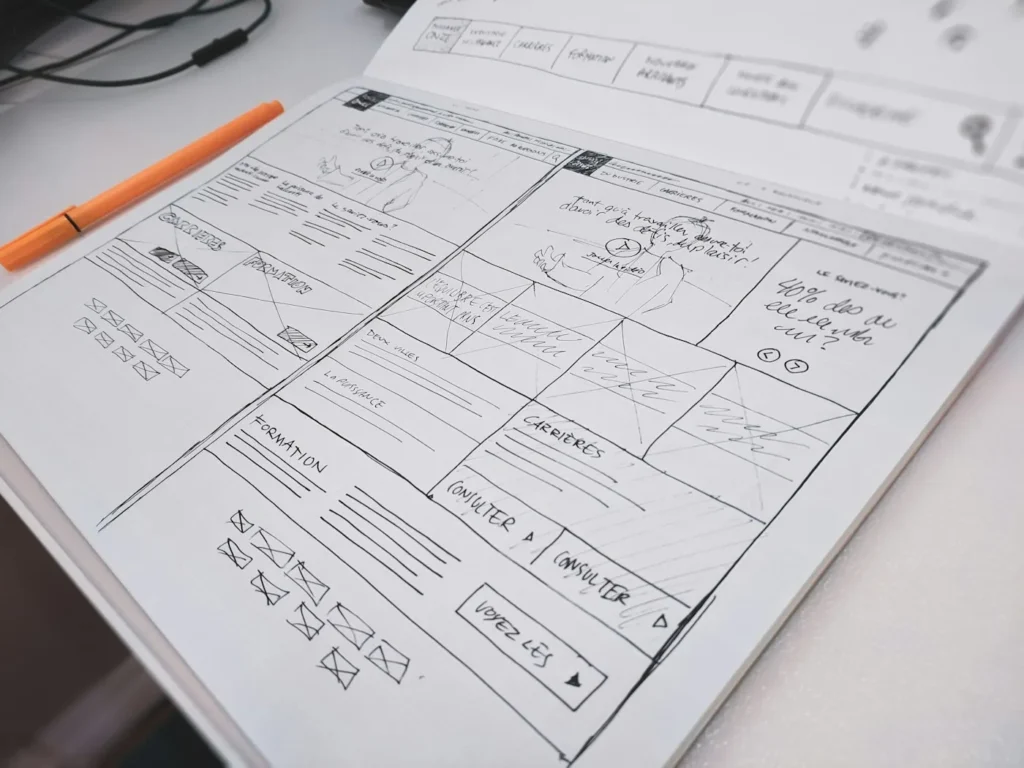
For example, if your team currently manages a specialised process across spreadsheets, emails and several separate tools, a custom application may provide a more structured way to handle that workflow.
Custom web application development should solve a specific business problem. It should not be chosen simply because it sounds more advanced.
The first step is understanding what the application needs to do and why existing solutions do not adequately meet that requirement.
Web-based software allows authorised users to access business functionality through a browser rather than relying on a traditional desktop application.

For example, instead of keeping operational information across spreadsheets and separate email conversations, a web-based system can provide authorised users with a defined place to manage the relevant information and tasks.
The application structure depends on its users, functionality, data and existing technology environment. Requirements should be established before deciding how the software should be developed.
Many web applications are built around different types of users.
An administrator may manage the system, staff may handle operational tasks, while customers may only access information relevant to their own account.
This can involve different:
Accounts
Permissions
Dashboards
Actions
Data
Workflows
For example:
Administrator → manages system settings and information Staff → handles assigned operational tasks Customer → accesses their own account and relevant services The exact structure depends on the application. Defining these roles early helps establish what each user should be able to see and do.
This is particularly important when the application handles different types of information or when users need different levels of access.
A web application has more than the interface users see. Different parts of the system work together to support the required functionality.
The frontend is the part users interact with, including screens, forms, navigation, dashboards and other interface elements.
The backend handles application logic, processes, data handling and other functionality that operates behind the interface.
Where required, application data needs to be stored and managed in a structured way.
APIs can allow the application to communicate with external websites, software, databases or other systems.
Together, these components form the foundation of many full stack web applications.
The technical structure should be selected around the application’s requirements rather than forcing every project into the same approach.
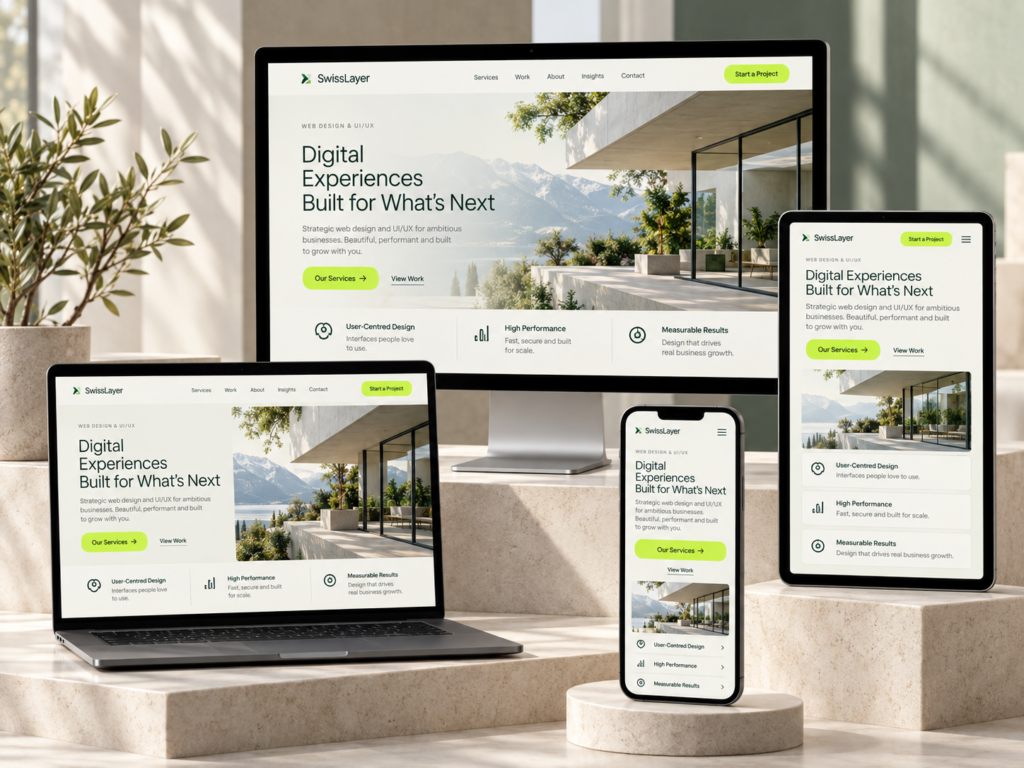
Your application may need to work alongside systems your business already uses.
Potential connections can include:
Existing websites
Databases
CRM systems
E-commerce platforms
Booking systems
APIs
Business software
Internal tools
The existing technical environment should be reviewed before deciding how systems can communicate.
For example, an application may need to retrieve information from an existing system, send information back to it or use an external service as part of a specific workflow.
The feasibility of each connection depends on the existing system, available access, APIs and technical environment.
Many application projects start with a business process rather than a technology requirement.
You may have a process where:
A web application can potentially provide a central place for users to complete defined tasks and work with relevant information.
For example, a customer request could move from submission to staff review through a defined workflow rather than being managed through separate emails.
The application should be designed around the actual process rather than simply replacing an existing spreadsheet or manual step with software.
Provide customers with access to information, requests, account functions or other relevant services through a dedicated application.
Support teams with structured workflows, recurring tasks and controlled access to business information.
Support appointment, reservation or availability related workflows where these form part of the business requirement.
Give authorised users access to relevant business information and reporting views within the application.
Support interactions between different user groups, listings, transactions and related workflows where required.
Develop functionality around specialised processes that do not fit comfortably within standard software. The appropriate use case depends on the business problem, users and workflow rather than the technology itself.
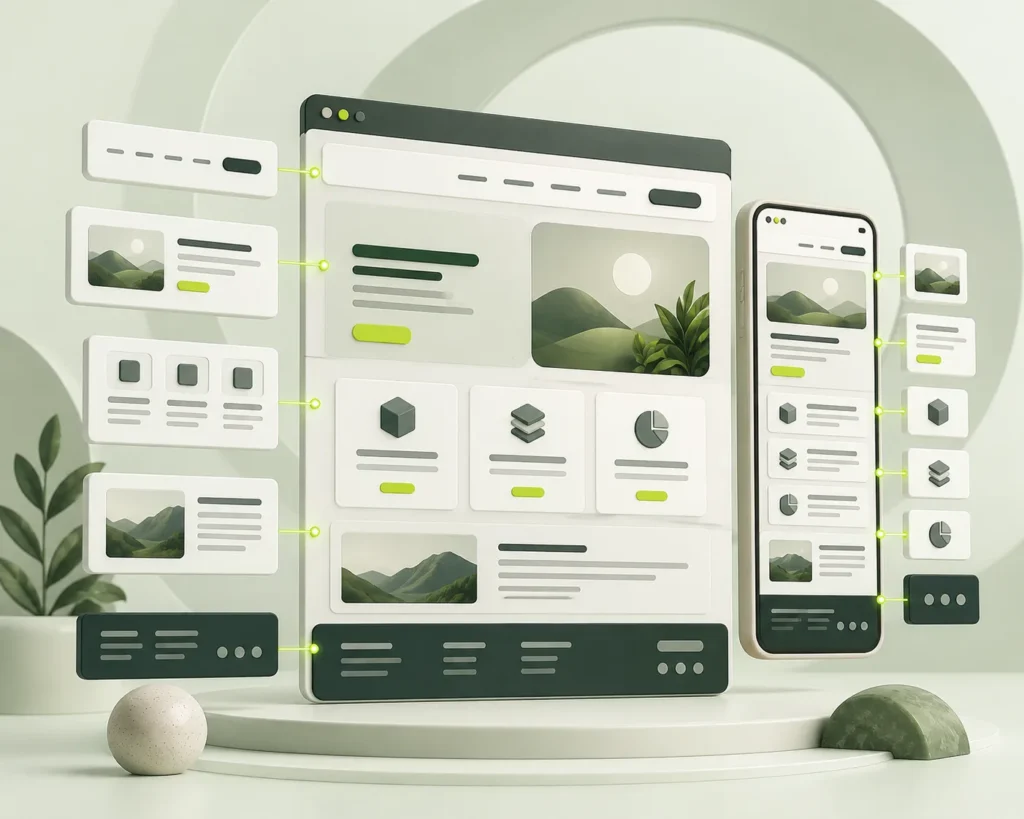
There is no single structure that suits every application.
A simple internal tool may have very different requirements from a customer portal or marketplace.
For example, a system with three user types may require different dashboards and permissions for each group, while an internal reporting tool may focus more heavily on data access and reporting.
The application’s structure should therefore be considered after the business requirements and workflows are understood.
Web applications can handle information that should only be available to specific users.
Depending on the project, requirements may include:
You may also be wondering whether changing the CMS means rebuilding the entire website or losing the design your business already uses.
The first step should be understanding the existing website rather than immediately replacing it.
We can look at how the content is structured, how editors currently work with the CMS and where the existing setup creates unnecessary friction. The existing design, content and functionality can then be considered before deciding whether the right solution is improvement, restructuring or a different CMS.
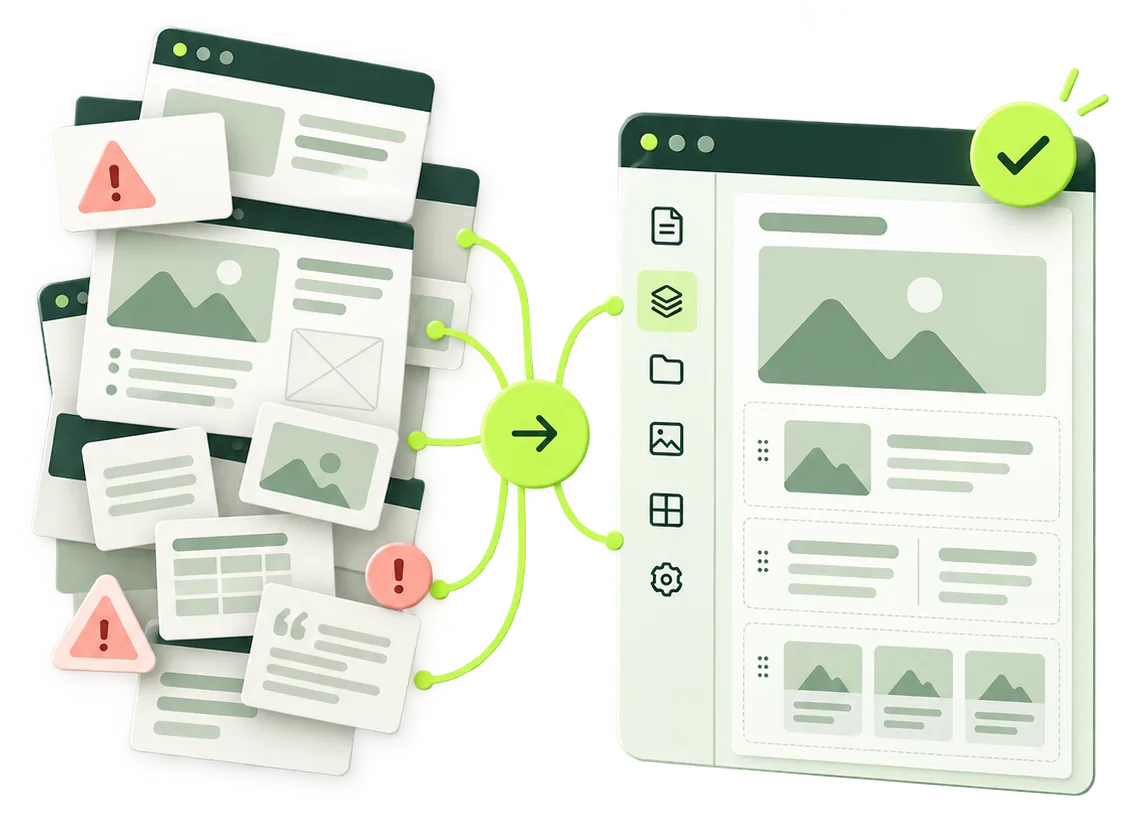
You may already have a starting point for your application.
This could include:
Existing material can provide a useful foundation for development.
However, application development may also require details that are not visible in a static design, such as:
Where design support is required, this can connect with our
You may already have a web application but need further development.
Potential requirements can include:
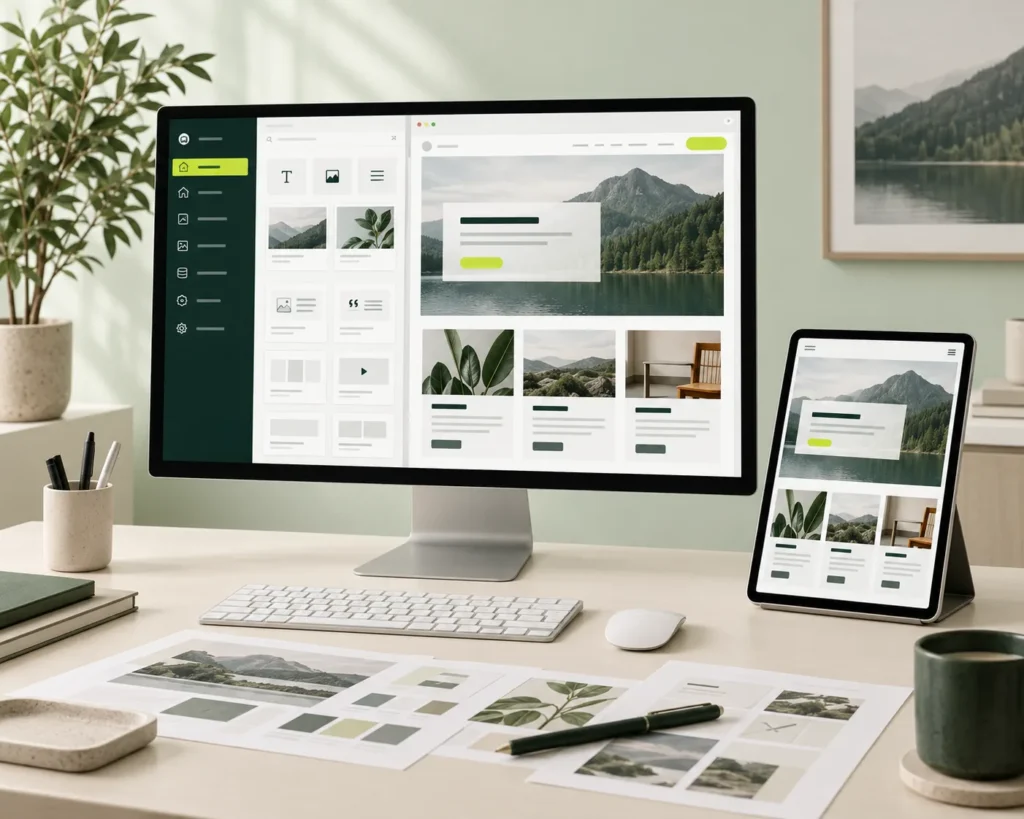
An existing application should first be reviewed together with its technical environment before deciding what can be changed or extended.
This helps establish whether the requirement involves the interface, application logic, database, integrations or a combination of these areas.
If the existing system is outdated, undocumented or dependent on third party technology, its current structure and access requirements should be assessed before defining the development scope.

Identify the business problem, users, roles, processes, data and functionality the application needs to support.
Map important workflows, permissions, functionality and relevant system requirements.
Review existing designs or establish the required application interface and user flows.
Build the frontend, backend, database functionality and required integrations according to the agreed scope.
Test relevant user journeys, permissions, forms, data handling and integrations.
Prepare the completed application for deployment and handover according to the project requirements. The development scope and duration depend on the functionality, users, integrations, data requirements and overall complexity.
Custom software is not automatically the best solution.
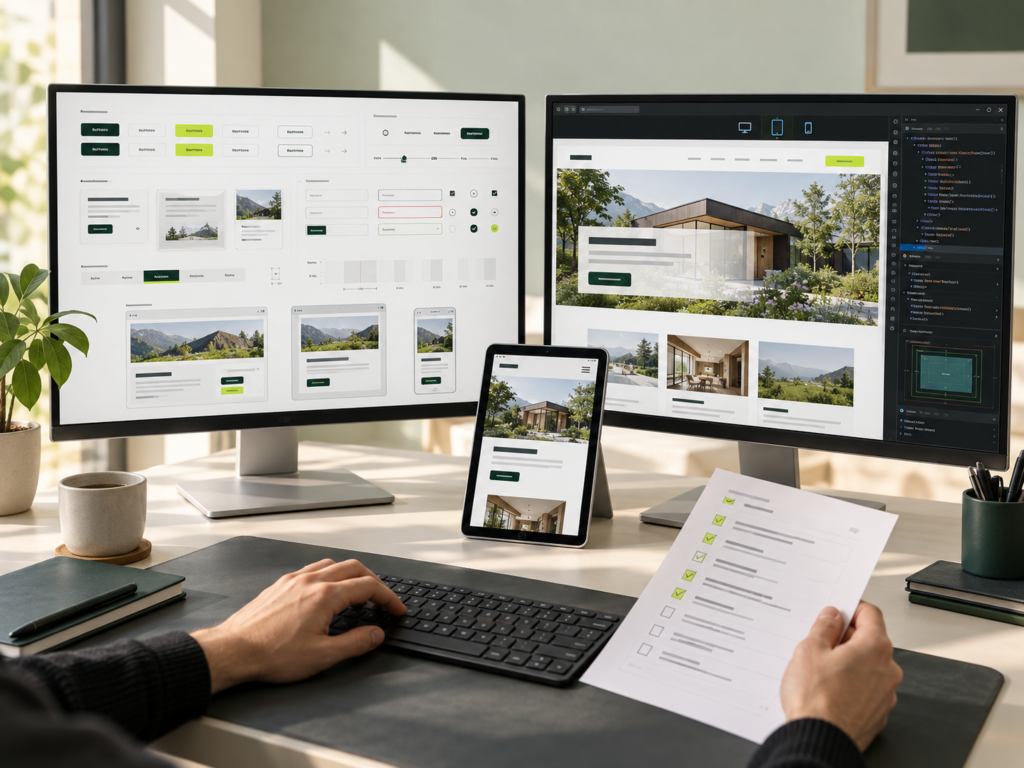
A standard SaaS product, CMS, no-code platform or existing business tool may be more appropriate when:
The required functionality already exists
Custom functionality is minimal
A standard product adequately solves the problem
The business does not need a specialised workflow
The right solution should be based on the business requirement.
If a standard platform can handle the required functionality effectively, custom development may not be necessary.
For example, building a custom system for a straightforward content-managed website may add unnecessary complexity when an established CMS already provides the required functionality.

The application starts with understanding the actual workflow and business problem rather than selecting technology first.
UI/UX requirements can be considered alongside application architecture and development requirements.
Relevant websites, software, databases and integrations can be considered when defining the application requirements.
Custom development is considered when standard tools do not adequately support the business requirement.
The approach should follow what the application needs to do, rather than forcing the project into a fixed technology or development model.
Future case studies can show:
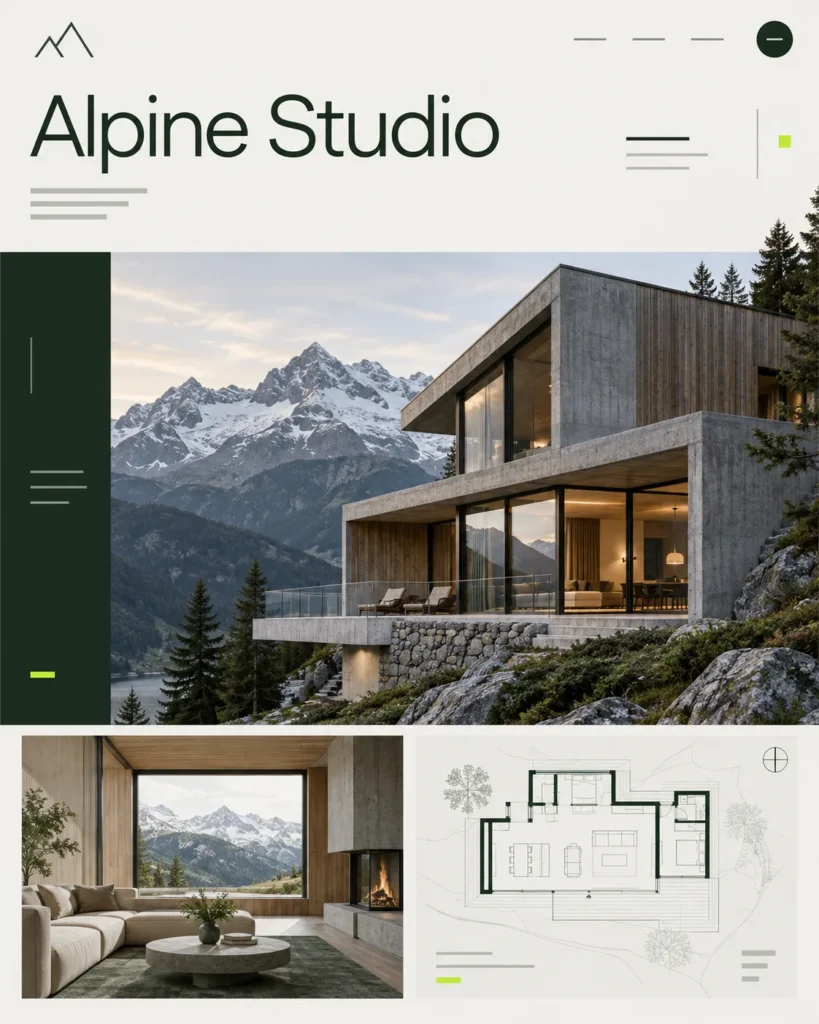
A considered digital home for a fictional Swiss architecture studio.
Present selected work and make project enquiries easy.
Balance large portfolio imagery with a fast, responsive experience.
Reusable project templates, responsive images and a simple content management structure.
A portfolio concept with project pages, service information and an enquiry journey.
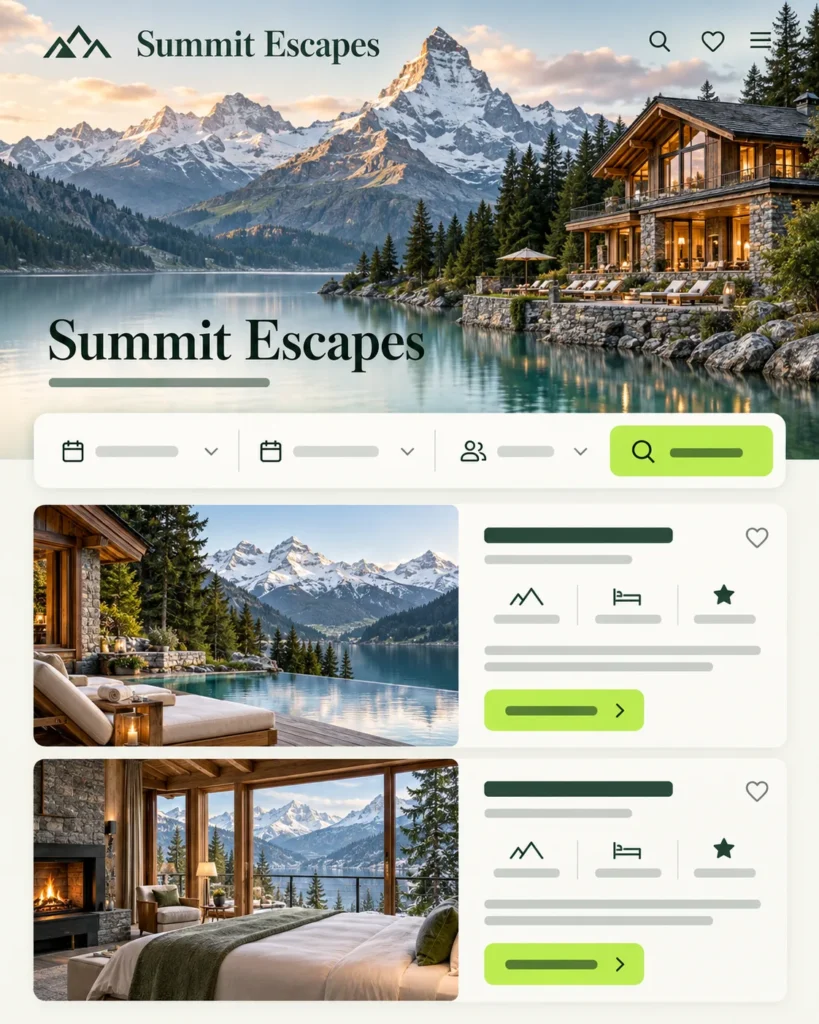
A fictional retreat discovery and booking website.
Bring stays, availability and booking requests into one clear journey.
Make dates, group sizes and retreat choices easy to understand.
Responsive retreat listings, date selection patterns and a structured booking request flow.
A booking concept with retreat discovery, stay details and a reservation form.
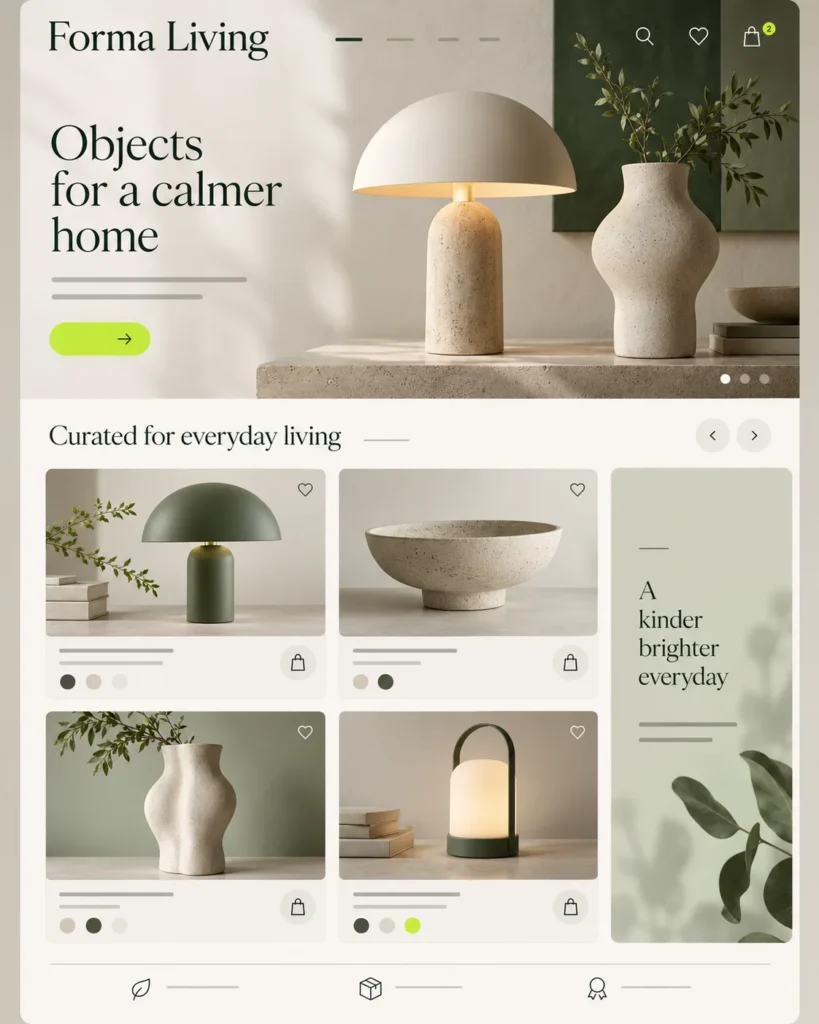
A sample online store for an independent homeware brand.
Help customers discover collections and shop comfortably on mobile.
Keep product navigation clear across different categories and variants.
Structured product data, collection filters and reusable product and cart interfaces.
A storefront concept with curated collections, product details and a cart layout.
Tell us about the business problem you want to solve, your current workflow, target users, required functionality and any existing website or software.
If you already have Figma designs, technical specifications or integration requirements, you can share those as well.
You can also explain what currently feels slow, repetitive or difficult to manage. This gives the team a clearer starting point for understanding whether a custom application is appropriate.