Organise content so visitors can understand the relationship between pages and find relevant information without unnecessary searching.

A website needs to make sense to the people using it and to the business behind it. SwissLayer provides web design and UI/UX services for businesses in Zurich, Geneva, Lausanne and across Switzerland.
We design website structures, user journeys and interfaces around your content, audience, brand and business requirements, with development requirements considered from the start.

Website design determines more than how individual pages look. It affects how visitors find information, move between pages and complete important actions.

UX focuses on structure, flow, usability and the user’s journey.
UI focuses on the interface itself, layouts, typography, components, spacing, visual hierarchy and interaction states.
Both need to work together for the website to be useful.
Website UX should help visitors understand where they are, what the business offers and what they can do next.
Organise content so visitors can understand the relationship between pages and find relevant information without unnecessary searching.
Plan the steps visitors take to complete important actions, whether that means requesting information, contacting the business, comparing services or purchasing a product.
Create clear navigation that gives important sections an appropriate place within the website.
Give important information the right structural and visual priority instead of presenting every element with equal weight.
Consider how forms, buttons and other interactions work so visitors can complete important actions without unnecessary steps.
The aim is to make the website easier to understand and use, based on the actual journeys visitors need to take.
UI design turns the planned experience into a consistent website interface.
This can include:
Page layouts
Typography
Colours
Buttons
Forms
Cards
Navigation
Components
Spacing
Visual hierarchy
Interaction states
Rather than designing each page independently, the interface should follow a consistent visual and component structure.
That makes it easier for visitors to recognise patterns as they move through the website and gives the design a more coherent foundation for development.
Different pages have different jobs. Their design should reflect what visitors need to understand or do on each one.
The homepage establishes the business, introduces the main services and directs visitors toward the most relevant sections.
Service pages need a clear information hierarchy so visitors can understand the offering, its relevance to them and the next appropriate action.
Landing pages are usually designed around a specific audience, offer or campaign objective. Their structure should keep attention on the intended action.
This is where landing page UX becomes particularly relevant.
Product interfaces need to support product discovery, information, comparison and purchasing decisions.
The UI/UX of product pages can therefore differ from a standard business service page.
Contact pages should make it clear what information visitors need to provide and what they can expect from the enquiry process.
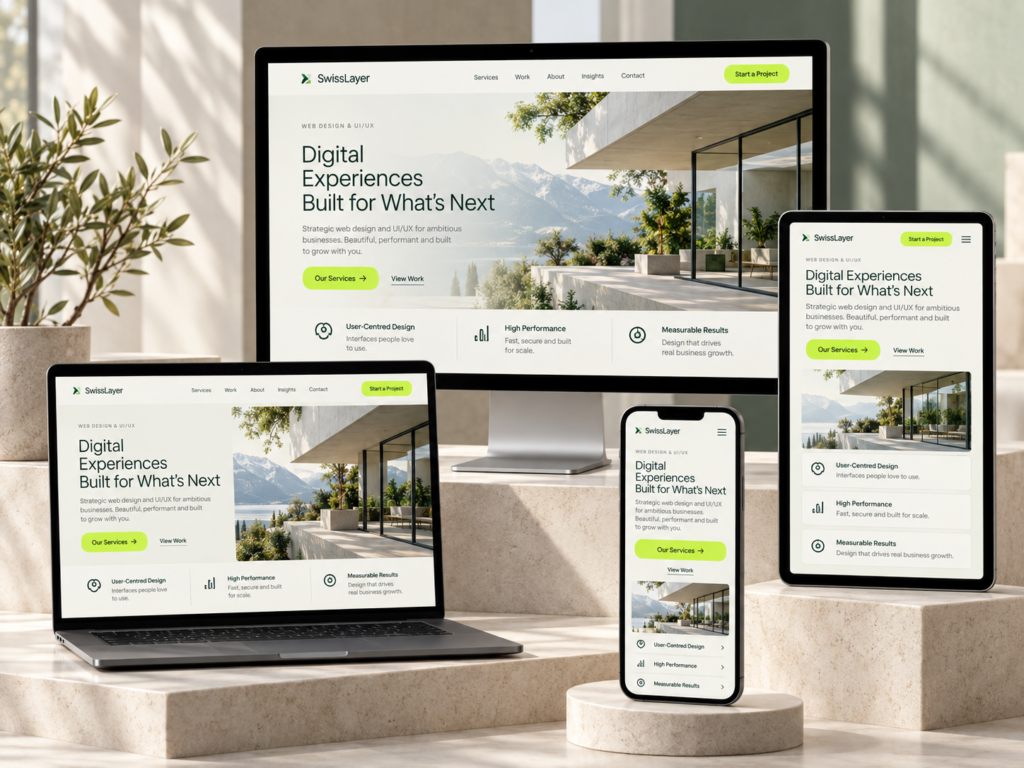
A website interface needs to work across the devices people actually use.
That includes:
Desktop
Tablet
Mobile
Responsive design is not simply a matter of shrinking the desktop layout.
Navigation, content hierarchy, spacing, image treatment, buttons, forms and interaction patterns may all need to change depending on screen size.
The objective is to maintain a clear experience while the available space changes.
Not every outdated website needs to be redesigned from scratch.
A review of the existing website can help identify what actually needs attention.
If visitors struggle to find important information, the navigation and information architecture can be reviewed.
If the website works on desktop but becomes difficult to use on smaller screens, responsive layouts, navigation, spacing and interaction patterns can be assessed.
If important information is buried within the page, the structure and visual hierarchy can be reconsidered.
If different pages use different layouts, typography or components, a clearer design system can help create consistency.
If an important journey contains unnecessary clicks or confusing interactions, the relevant flow can be reviewed before deciding what needs to change.
The scope should follow the actual problems rather than assuming that every existing website requires a complete redesign.
Your website may already have an established visual identity.
We can work with existing:
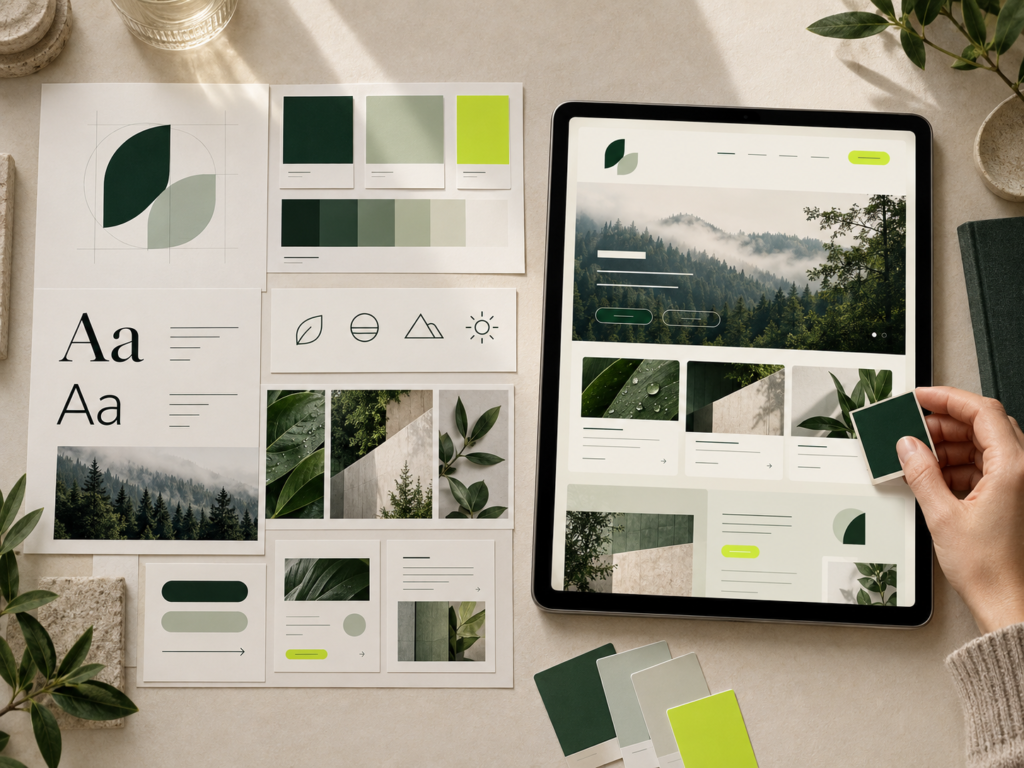
The goal is to adapt the existing identity to a digital interface while considering how typography, colours, spacing and components work on screen.
If your digital brand system needs broader development, this can also connect with our Branding & Creative Design services.
If you do not yet have a complete digital design system, the website can be structured around the information and brand requirements available at the start of the project.
Your website may already have an established visual identity.
We can work with existing:

Existing material can provide the foundation for the website design where appropriate.
The work may involve reviewing the structure, identifying missing interface states, preparing responsive layouts, maintaining consistency and making the design practical for implementation.
You do not necessarily need to start from a blank page.
A larger website can contain many repeated interface elements.
Buttons, forms, cards, navigation, typography and spacing should follow consistent rules rather than being redesigned differently on every page.
A component-based approach can help define:
This gives the website a clearer visual language, makes repeated elements easier to manage and provides a structured foundation when additional pages are added later.
Because SwissLayer provides both design and development services, the website design can be considered alongside implementation requirements.
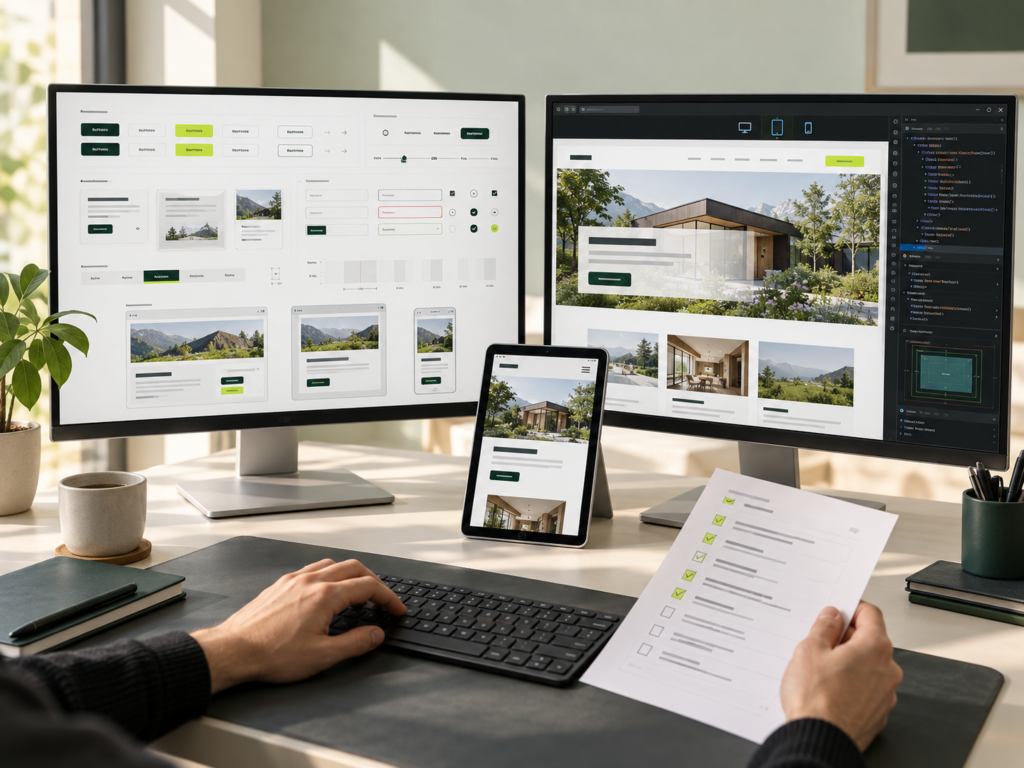
This means considering:
Desktop and mobile layouts
Reusable components
Hover, focus and active states
Form states
Navigation behaviour
Content variations
Technical constraints
Development handover
A design should describe more than a static desktop screen. Responsive behaviour, component relationships and important interface states can affect how the final website is implemented.
For businesses that need the design and development handled together, explore Website Development.
Not every outdated website needs to be redesigned from scratch.
A review of the existing website can help identify what actually needs attention.
If visitors struggle to find important information, the navigation and information architecture can be reviewed.
If the website works on desktop but becomes difficult to use on smaller screens, responsive layouts, navigation, spacing and interaction patterns can be assessed.
If important information is buried within the page, the structure and visual hierarchy can be reconsidered.
If different pages use different layouts, typography or components, a clearer design system can help create consistency.
If an important journey contains unnecessary clicks or confusing interactions, the relevant flow can be reviewed before deciding what needs to change.
The scope should follow the actual problems rather than assuming that every existing website requires a complete redesign.
A website’s design should respond to the actual project rather than follow one fixed visual formula.
Relevant considerations can include:
For example, a B2B service website may need a very different information structure from an online store, even if both use the same visual design trend.
The design direction should therefore follow what visitors need to understand and what the business needs the website to achieve.

Review the business, target audience, existing website, objectives and important user journeys.
Plan content hierarchy, navigation, page relationships and the important paths visitors may take through the website.
Develop the visual direction, layouts, components and UI approach around the agreed requirements.
Create the required pages, responsive layouts and important interaction states, including relevant variations for forms, navigation and other interactive elements.
Review the design against the agreed requirements and refine areas that need clarification or improvement.
Organise the approved design structure and relevant interface details for implementation. The scope and duration depend on the number of pages, complexity, requirements and review stages.
A well-structured user experience should help visitors:
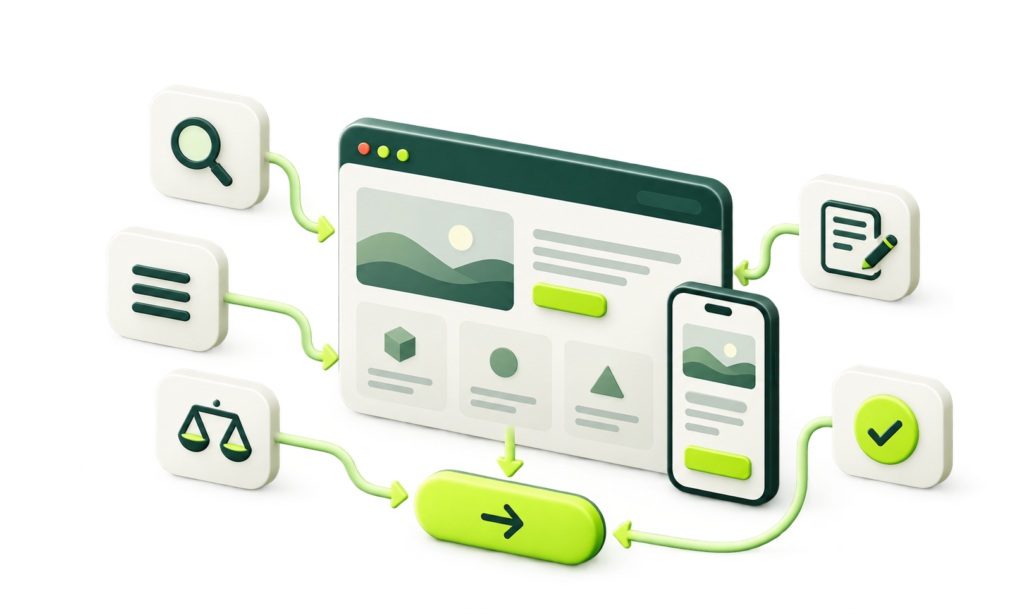
Understand what the business offers
Find important information
Move between relevant pages
Complete enquiries
Compare products or services
Complete important actions
Use the website comfortably across different devices
The exact priorities depend on the website. A service business may need a clear enquiry journey, while an e-commerce website may place greater emphasis on product discovery and purchasing.
These are practical design considerations rather than guarantees of a particular conversion rate or business result.
This can indicate unclear navigation, page hierarchy or user journeys.
The review can focus on where visitors enter the website, what information they need and what the next logical action should be.
The issue may be related to responsive layout, navigation, spacing, forms or interaction patterns rather than the visual design alone.
The problem may be the information structure, navigation or page hierarchy rather than the content itself.
Inconsistent components, spacing, typography or interface patterns can make a website feel disconnected.
A defined component structure can help establish consistent patterns across the site.
The design may need closer consideration of responsive behaviour, component states and implementation requirements before development begins.
This is particularly relevant when the approved design contains interactions or layouts that have not been defined for different screen sizes or states.

Website design can be considered alongside development requirements rather than treated as a separate visual exercise.
The design direction should follow the business, users, content and functionality requirements.
Website structure, usability and user journeys are considered alongside the visual interface.
Responsive layouts, components and interaction states can be considered before development begins.
No assumptions are made about your business requirements before the project is understood.
Tell us about your existing website, required pages, brand guidelines, design references, UX concerns or business objectives.
If you already have Figma files or wireframes, you can share those as well. If you are starting from scratch, your business requirements are enough to begin the conversation.